Step by step to the solution
My Swisscom Assistant
Simple, free, available anytime
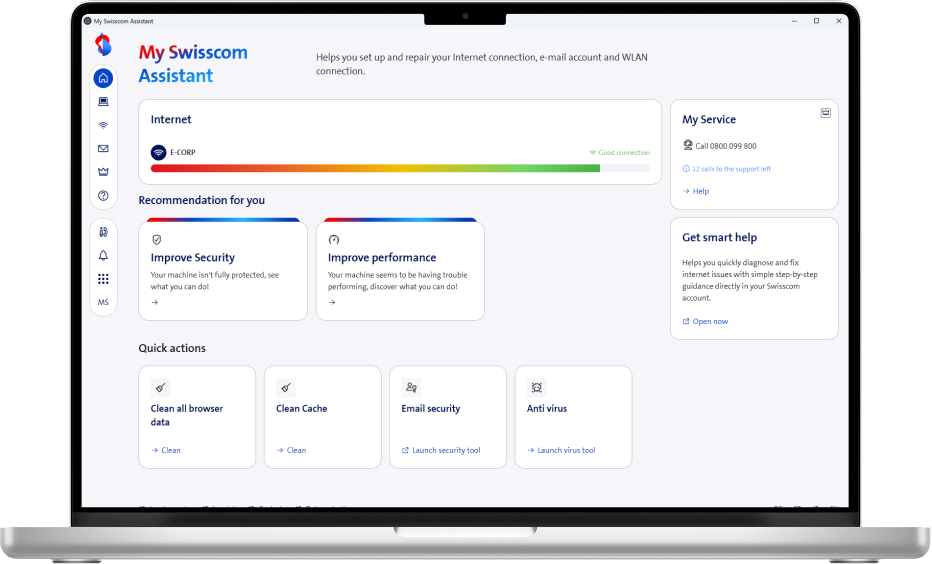
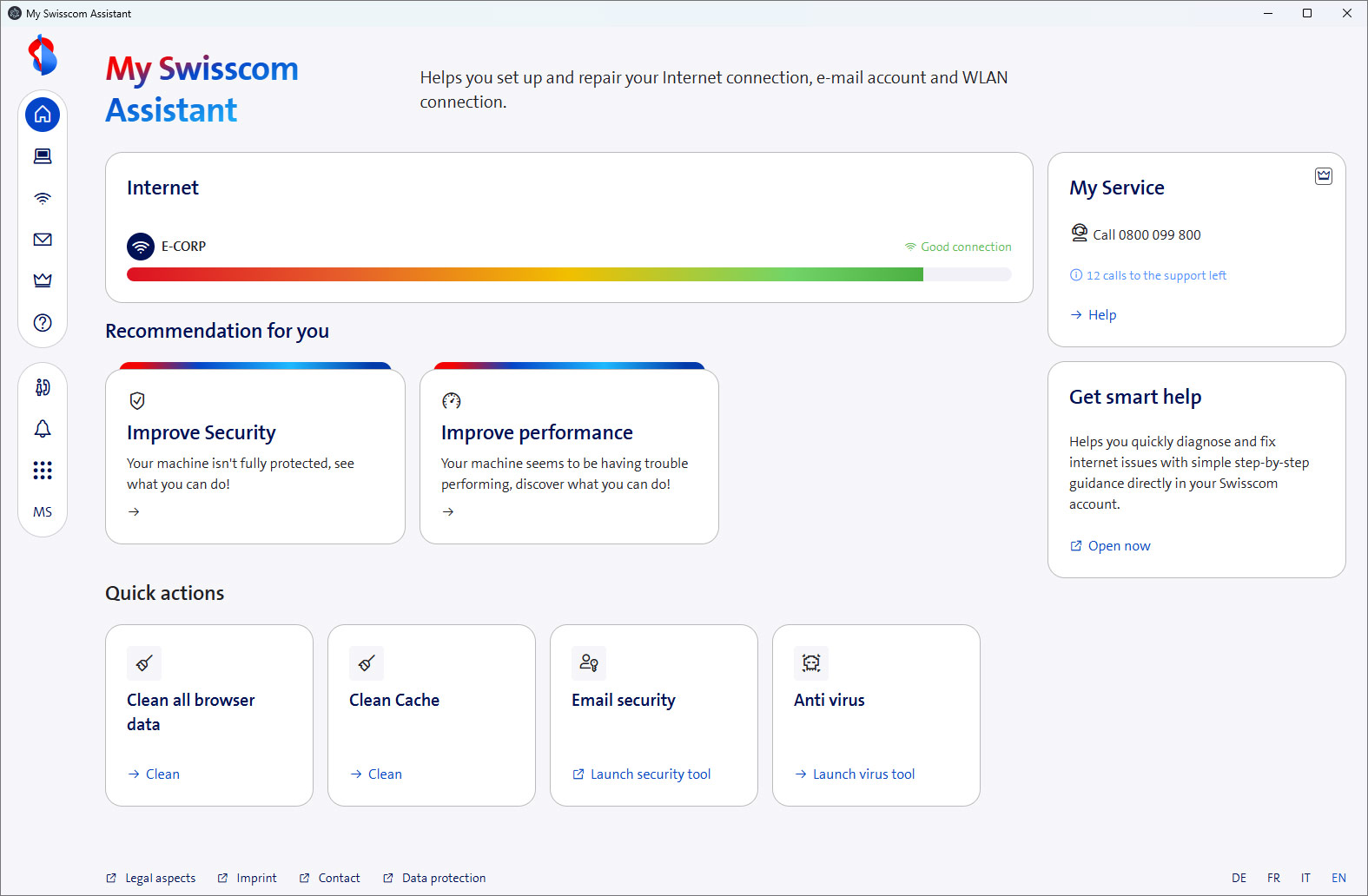
My Swisscom Assistant helps you with everything related to the Internet, Wi-Fi, and email: from setup and configuration to troubleshooting. If you also have a My Service subscription , even more features are available to you.
Set up My Swisscom Assistant
Start the download, open the file, and follow the instructions.
Windows Version 3.0.3
Compatible with Windows 10 & 11 64-bit, Office Outlook, Thunderbird
macOS Version 3.0.3
Compatible with MAC OS Sonoma, Sequoia, Tahoe, Classic Outlook
Benefits of My Swisscom Assistant
Why it's worth downloading
- Easy to use for everyone – even without technical knowledge
- Step-by-step support, for example to optimize internet performance
- Quick help via remote access to your device
- Key basic functions work without logging in
- Sign in with Swisscom Login to use all features
- With a My Service subscription, access additional features such as professional support
Frequently Asked Questions
Find your answers
On which operating systems does My Swisscom Assistant work?
My Swisscom Assistant is a web application that can be installed on Windows and macOS devices. It runs locally and cannot be transferred to other devices.
Why can't I set up My Swisscom Assistant?
Check whether your device is running an up-to-date version of the operating system (siehe My Swisscom Assistant einrichten) and whether you are connected to the internet.
What should I do if I’ve forgotten my Swisscom login?
You can find all the important information about your Swisscom login, how to set it up, and help with login issues on the following page:
Choose your support option

Ask Sam
The digital assistant Sam will help you at any time.
Arrange a callback
The professionals from My Service will support you on the phone (subject to a charge).




