Setting up the Internet and connecting devices to WLAN
Unpack the cables and get started: set up your new Internet-Box with the step-by-step instructions and connect your devices to the WLAN.
Setting up the Internet
The My Swisscom App will guide you through a step-by-step setup process for your new Internet-Box.
Simply follow the instructions to set up the Internet on your router:
Tip: My Swisscom App
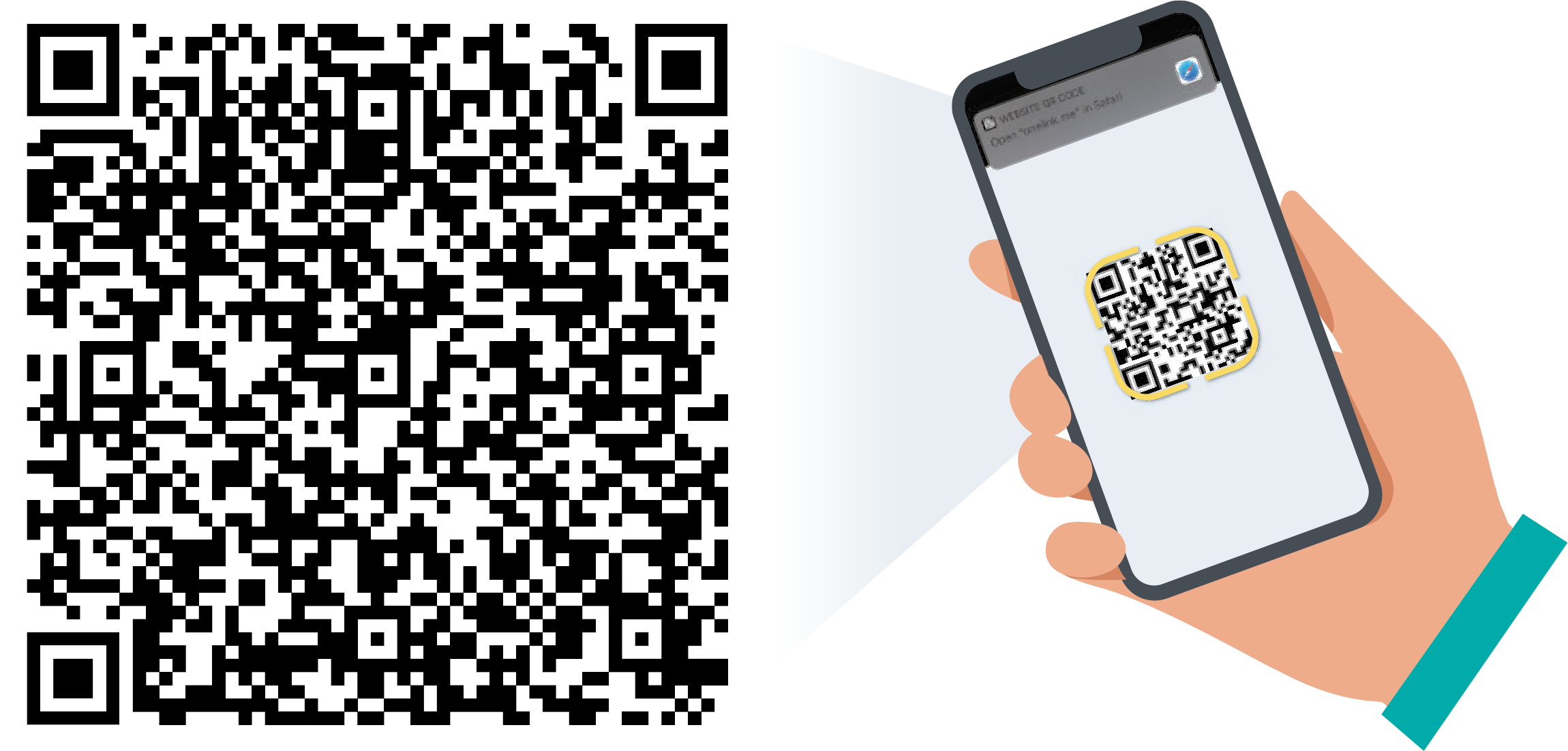
The My Swisscom App will guide you through a step-by-step setup process for your new Internet-Box.
Scan the QR code to get started.
What do I need to consider before setting up Swisscom Internet?
- Make sure that your connection has already been officially activated.
- Bei einem Glasfaseranschluss benötigen Sie Ihre OTO-Nummer, die Sie auf der Glasfasersteckdose in Ihrer Wohnung finden.
- Only use the original cables supplied by us for the connection to avoid loss of speed.
- If the LEDs on the router flash red, the digital support assistant will help you find a solution.
What do the different LED colors mean?
Connecting devices to the WLAN
You can find your WLAN name and password in My Swisscom(opens in new tab).
Connect computer to WLAN
- Click on the WLAN symbol (Windows: bottom right, Mac: top right).
- Select your WLAN name.
- Enter your WLAN password.
Alternatively: the free My Swisscom Assistant can set up the WLAN on your computer for you automatically.
Connect smartphone to WLAN
Connect your mobile phone to the WLAN to surf the Internet at home. To do this, go to the settings on your mobile phone and select your WLAN name under “WLAN”.
Connecting other devices with WLAN
The WPS (Wi-Fi Protected Setup) function enables you to connect your devices such as printers or IP radios at the touch of a button without entering the WLAN password.
Press the plus button (+) on your Internet-Box and activate the WPS function on your device within the next 2 minutes. Please note that not all devices support WPS and device manufacturers offer alternative solutions in many cases (e.g. via their own apps).
FAQs
How do I improve WLAN reception at home?
Supplement your Internet Box with a WLAN Box(opens in new tab). The Swisscom Internet-Box takes the WLAN signal from your Internet router and amplifies it. All you have to do is switch on the WLAN-Box, press the Plus button on both devices and the connection starts automatically.
Internet Box and WLAN Box: What's the difference?
The Internet-Box is Swisscom's central router. It enables the connection to the Internet and sets up a WLAN network.the WLAN-Box transports the WLAN signal from the Internet-Box. It improves WLAN reception in all rooms.
Where can I get help if I have problems setting up the Internet?
What is WPS and how do I use it?
WPS stands for Wi-Fi Protected Setup and allows you to connect devices to your Wi-Fi network without entering the Wi-Fi password.
This is how WPS works on Swisscom devices:
- Press the WPS button on the Swisscom Internet-Box or on a supported WLAN-Box. The button is often marked with a + or the WPS symbol.
- Start the WPS connection on the device you want to connect within the next 2 minutes..
- The device automatically establishes a connection to the WLAN without you having to enter the WLAN password.
ⓘ Not all devices support WPS. In these cases, connect the device as usual via the Wi-Fi settings and enter the password.
Choose your support option

Chat with Swisscom
The digital assistant Sam helps you with questions about your Swisscom products.
Arrange a callback
Choose a time slot and get support from a specialist over the phone.




