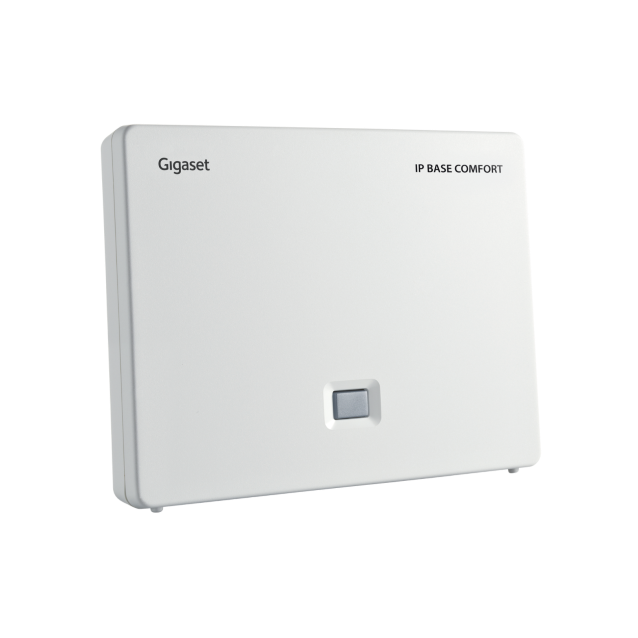
Gigaset IP BASE COMFORT base station
Set up and use
Get to know the device
Buttons and connections
- Display
- Status bar
- Display keys
- End call key / On/off key
- Control key / Menu key
- Hash key / Lock key
- Recall key
- Microphone
- Star key
- Headset connector (3.5 mm jack)
- Key 1
- Talk key / Handsfree key
- Message key
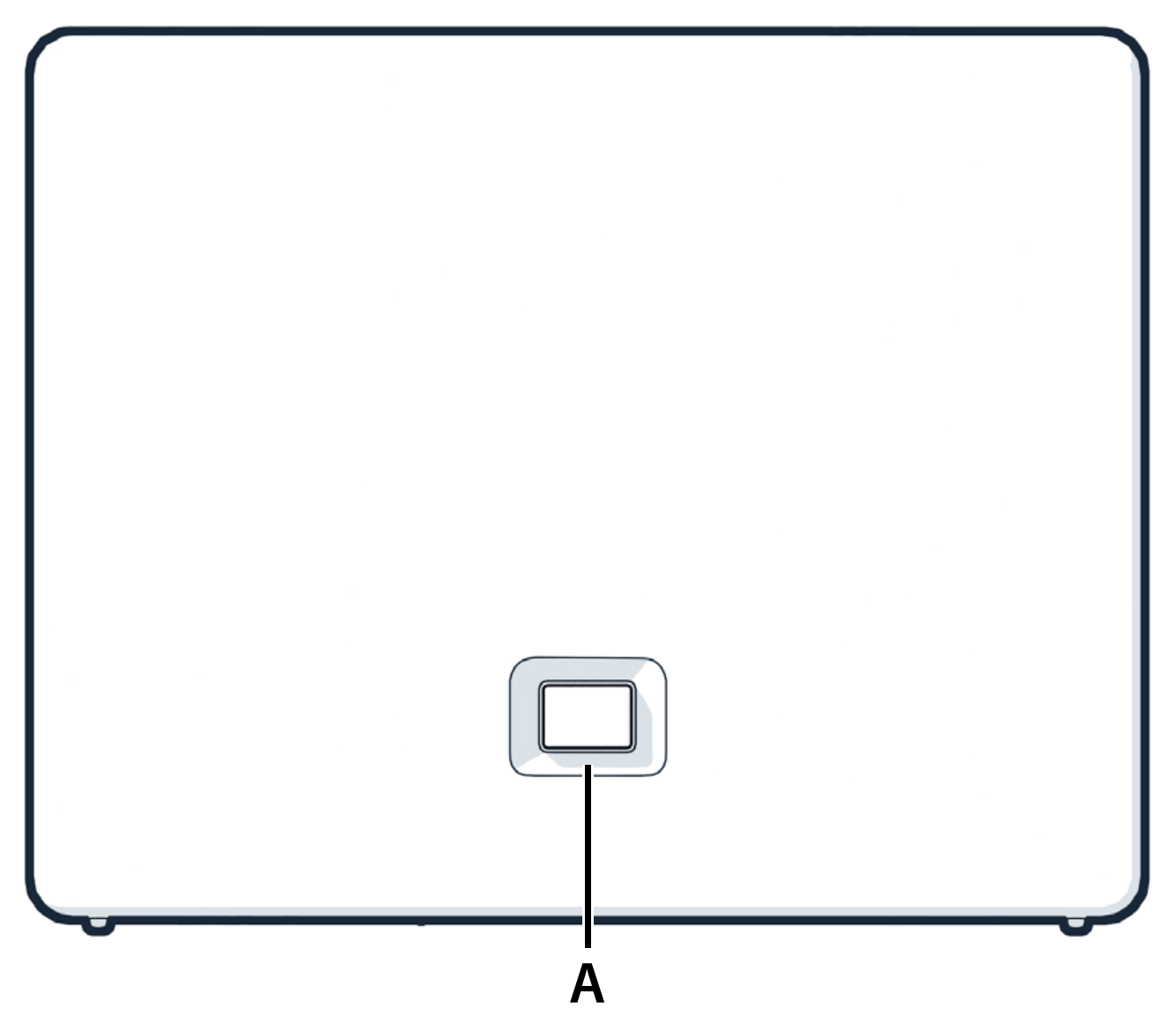
A Registration/paging key
| Locate a handset (paging): | Short press (< 1 sec.), all registered handsets ringsimultaneously (paging). |
| Register handset: | long press (1-5 sec.) |
| Reset device to factory settings: | press and hold, plug the power connector in and wait for 20 seconds until the button turns red |
LED behaviour
| Green: | system is ready to use |
| Flashes green: | device in DECT registration mode or connecting to Gigaset Smart Home Cloud |
| Yellow: | new firmware is available |
| Red: | fault |
| Flashes red (quickly): | resetting device |
Frequently asked questions
How many HD phones can be connected to the Gigaset IP BASE COMFORT base station?
A maximum of 6 DECT handsets can be connected. The number of simultaneous calls depends on your landline connection, but a maximum of 4 parallel calls are possible. Connect the DECT handset to either the Internet-Box or the base station.
Which routers are compatible with the Gigaset IP BASE COMFORT base station?
Centro Business 2.0, 3.0 and all Internet-Box. 1 base station can be connected per router.
How do I set up call forwarding?
You can configure settings directly on your handset to forward calls or reject calls you do not wish to take. Proceed as follows:
- Menu
- Network services
- Options
- Scroll down and set up service (call forwarding, reject unknown calls etc.) > OK
The following Swisscom services are available:
| Forward | Divert incoming calls to another telephone number |
| Do not disturb | Divert all incoming calls to a message |
| Block anonymous calls | Divert all calls with suppressed telephone number to a message |
| Call barring | Enter the telephone number of the last call in a black list. Calls with this telephone number are no longer diverted to the handset. |
How do I update the firmware of my base station?
The firmware of your base station will be automatically updated as soon as a new version is available.
Choose your support option
Möchten Sie etwas bestellen? Wir beraten Sie

Manage your products, services and data directly in your account.
Open My Swisscom(opens a new window)
The digital assistant Sam helps you with questions about your Swisscom products.
Start ChatGet personal help from experienced Swisscom customers.
Go to help



