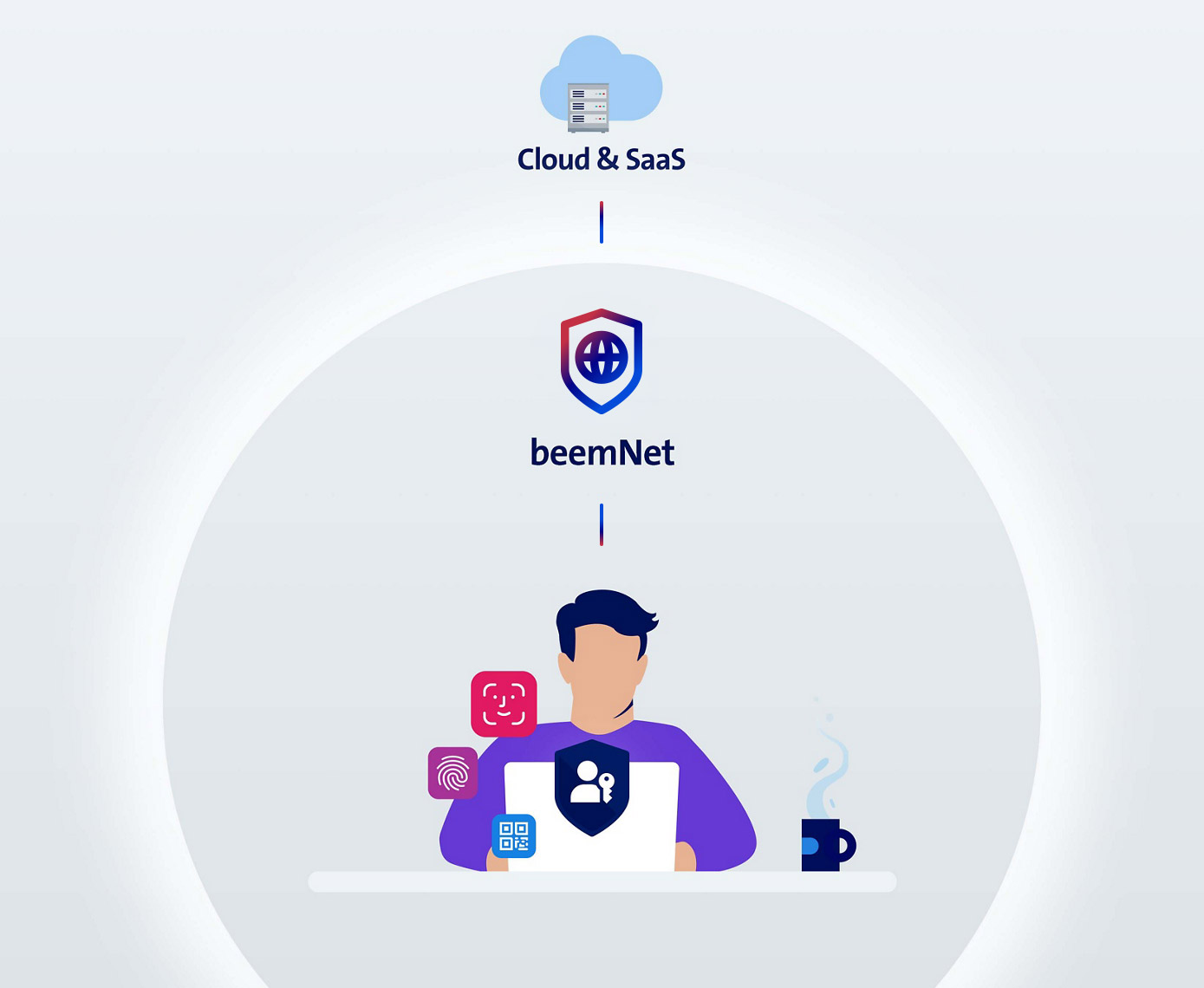
With beem, zero trust access works from anywhere (whether in the office, working from home or on the move) and for all applications (on-premises, cloud and browser-based software). This makes remote access services (RAS) and VPN solutions obsolete while greatly improving security for your company data. Thanks to a large number of pre-integrated functions, beem goes far beyond conventional zero trust network access (ZTNA) solutions, eliminating extra costs, additional local hardware and time-consuming integration processes – while finally making zero trust simple for SMEs and large corporations.
Zero trust access to business applications
When you use beem for zero trust access to business applications, your staff members and business partners can securely access company data from anywhere, anytime, whether they need accounting software, e-mail, file storage systems or CRM systems.
Securely access company data with zero trust access from beem
Administrators centrally define highly granular access policies for each application, which beem continuously examines each time users attempt to access the system.
Why you need zero trust
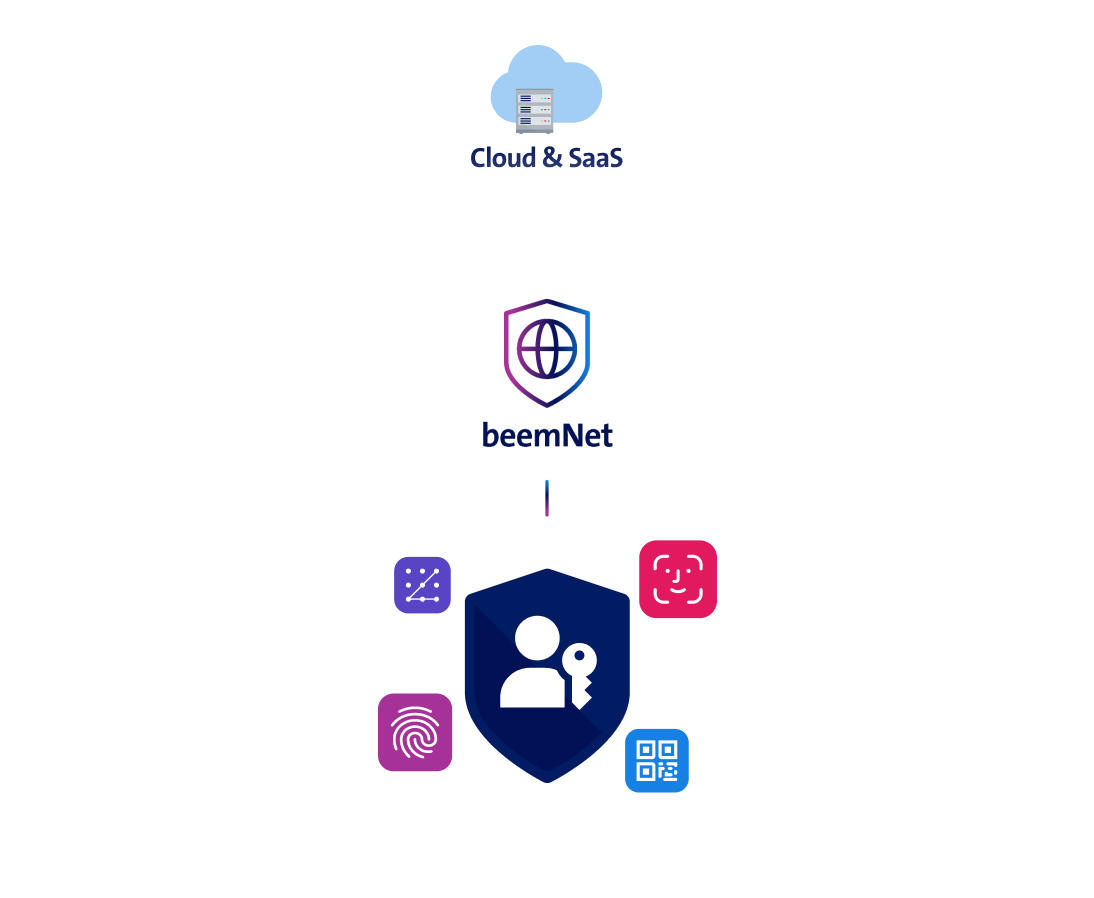
Securely access data in three steps
Passwordless authentication in beemNet
Strong cryptographic authentication lets users securely access beemNet and company data. They authenticate themselves quickly, easily and securely – with passkeys, not passwords. Users log in with a username and a fingerprint, facial recognition or a PIN.
Check the access policy
With beemNet, you define your access policies centrally for each business application. beemNet checks the policies each time someone tries to access an application. You can restrict access to user groups, specific countries, defined times, sensitive data and other criteria. You can also configure device-based settings so that only devices that meet certain criteria, such as having an encrypted hard drive, a PIN and an up-to-date operating system, gain access. Devices that meet the criteria will only be granted access to the business applications they require and only for a specific time frame.
Authentication in business applications
Once beem grants access, users can log in to applications normally – either with their login details or with a convenient single sign-on (SSO), provided the application is set up for this.

Advantages of beem over other zero trust and ZTNA solutions
beem offers a large number of pre-integrated functions that enable secure access to all company data from anywhere, with outstanding resilience. Thanks to seamlessly integrated user and device management as well as effortless beemNet activation at company sites, beem makes zero trust easier than ever for SMEs and large corporations alike.
With beem you can implement zero trust everywhere – for any application (cloud, SaaS and on-prem), on any device (IT workstations, smartphones, production machinery, IoT devices, etc.) and from anywhere (your site, externally or on the move). It even works when accessing data at your company site while you are at the site (LAN).
User management and device management are both integral parts of beem. There are no additional costs for third-party solutions and no integration processes. You can easily integrate applications on local servers by activating beemNet at your company site – without any complicated configurations or additional software or hardware on site. Implementing zero trust with beem really is this simple and affordable.
Swisscom runs beem using four georedundant Swisscom data centres in Switzerland. The security expertise of over 300 Swisscom security specialists ensures resilient operations and secure connections to your company sites and applications – so you can relax and focus on other things.
Protect your company data with beem now
Experience beem
See beem first hand and check out the benefits in a webinar.

FAQs on zero trust access with beem
What do I need to use zero trust access with beem?
You need the following modules to use beem’s zero trust access:
- beem Security Edition Standard, Plus or Premium.
- beem user licences for all staff members and business partners who need access to business applications.
- If you wish to connect business applications that run on your own server at your site (on-premises), you need to connect the site to beemNet. To do this, choose a Swisscom connection with beemNet (beem Office, Smart Business Connect or Enterprise Connect) or activate beemNet for an existing subscription.
How do I connect business applications?
You can connect private applications on local servers (on-premises) by connecting the server’s site to beemNet.
Other private applications in your data centre or in the cloud can be seamlessly and securely integrated into beemNet as well.
SaaS applications can be directly selected and configured via a catalogue in beem’s management portal, Concerto. SaaS applications that do not appear in the catalogue can be entered manually. An inline cloud access security broker (CASB) can implement zero trust access inside and outside beemNet using a reverse or forward proxy for client devices – as per your choice.
Did you know? Swisscom offers a function called Application Discovery that surveys your data traffic, enabling you to identify all of the business applications you use. It helps you obtain complete clarity about your applications, laying a foundation for you to define different access policies.
Does Swisscom offer support with the configuration of zero trust access?
Yes. If you wish, Swisscom experts will help you configure zero trust access and other settings in beem. To this end, Swisscom offers standardised onboarding packages, help with identifying relevant business applications (Application Discovery) as well as other services to assist you with the setup.
In future, a certified IT partner will also be able to assist you with setup. If you would like to implement beem with a partner, simply configure beem on our website and we will recommend a suitable partner during your subsequent consultation.
How it works and what is possible
How do Swisscom passkeys work and why are they phishing resistant?
Users receive a Swisscom Business Account to create passkeys for it. Instead of choosing a password, they receive a pair of keys (passkeys) that has been automatically generated. Each pair consists of a public key, which is stored on a Swisscom server, and a private key, which is stored on a device, in a password manager or on a user’s physical security key.
Compared to conventional authentication solutions that use passkeys, beem offers several ways to further increase passkey security. Users have the option of adding a Swisscom Mobile ID as a second authentication step – for digital sovereignty made in Switzerland. Alternatively, you can use beem’s device management or hardware security keys to proactively control where private keys are stored.
When users wish to log in to beemNet, the Swisscom server will send a request to their device. The device will ask the user to confirm with a fingerprint, facial scan or PIN. This ensures that it is really the user who is providing confirmation. The device then sends the confirmation signed with the private key to the Swisscom server, which validates it using the associated public key. If everything checks out, the device gets connected to beemNet.
Passkeys are phishing resistant because they do not require the user to enter a password or other factors on a website or in an application, where they could be intercepted by attackers. The private key always stays with the user and is never shared with Swisscom. Passkeys are also tied to a specific web domain. It is impossible to log in to a fraudulent website because such sites do not have the matching public key.
Does Swisscom store biometric data?
No. Biometric data like fingerprints and facial scans are always stored on the user device and are never sent to Swisscom.
Which zero trust security policies can be configured?
You have highly granular configuration options to limit access to business applications. Here are a few examples:
- Access rights: with beem, you can define which users or user groups can access business applications.
- Network: you can limit access based on the network where the user or business application is located. For example, you can only allow access from beemNet, a company site or the Swisscom mobile network.
- Devices: with beem’s integrated device management, you can limit access to specific devices, such as those that are managed by beem and therefore have certain settings or a certain operating system.
- Device properties: the beem app and beem device management allow you to use device properties for access policy checks (proactive and continuous device posture). This lets you choose which devices are granted access – for instance, only those with an encrypted hard drive or updated antivirus software, or only those that meet certain password requirements.
- Data classification: access can also be restricted based on data categories. For example, access to confidential data and customer data can be limited to company computers in Switzerland or specific user groups.
- Geography: access can be restricted based on the user’s physical location (geofencing) by including or excluding certain countries or regions.
- Date and time: another option is to limit access based on time by including or excluding certain days or hours.
Configurations are flexible and can be created for individual applications or groups of applications.
Does beem’s zero trust access impact user permissions within business applications?
No. User permissions within business applications, such as who is permitted to access which data in an application or which permissions users have within the application, are always managed via the business application, not via beem. You use beem to manage which users can access a business application under which circumstances.
Is it possible to connect existing identity services?
Yes. The identity service in beem can be integrated or federated with Microsoft Entra ID or, on request, with your choice of directory services (e.g. Active Directory). This enables you to continue using your existing user management system, authentication methods and SSO integrations, which will automate Swisscom Business Account creation, changes and deletion.
We will call you. Now or at a time to suit you.
Contact us in writing