Adjusting WLAN settings
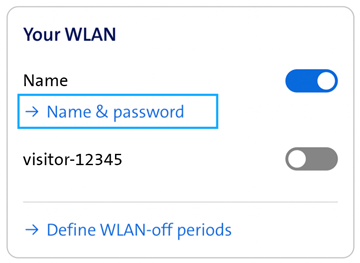
Displaying WLAN name and password
Forgotten your WLAN password? It is easy to view and adjust your WLAN name (SSID) and your WLAN password in My Swisscom.
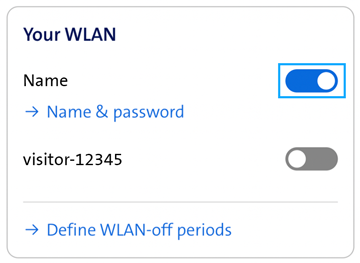
Switching WLAN on and off
Switch your WLAN on or off with a click. You can activate an additional WLAN for your guests.
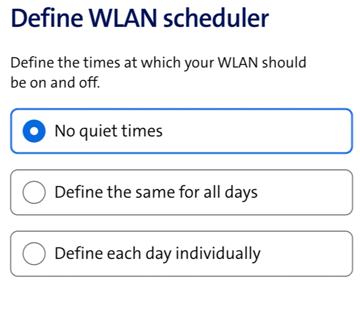
Setting a WLAN schedule
You can decide when and for how long your WLAN should be switched on. For example, you can set the WLAN to switch off automatically at night and back on in the morning.
Useful Links
Choose your support option

Manage in My Swisscom
Manage your products, services and data directly in your account.
Arrange a callback
Choose a time slot and get support from a specialist over the phone.

Chat with Swisscom
The digital assistant Sam helps you with questions about your Swisscom products.
Möchten Sie etwas bestellen? Wir beraten Sie